AI 画像編集
変えたいところを書いて写真を編集
ブラシもマスクもレイヤーも不要。画像をアップロードして変えたいところを書けば、Seedream がそこだけを描き直し、ほかはそのまま残します。
- マスクも範囲選択も不要
- Seedream モデル 3 種
- 結果をさらに編集
- アップロード画像は 30 日後に削除
- 最初は無料で試せる
このサイトで行った編集
ここにある画像はすべてこのサイトで作ったものです。プロンプトを上のボックスにコピーして、好きなように変えてみてください。
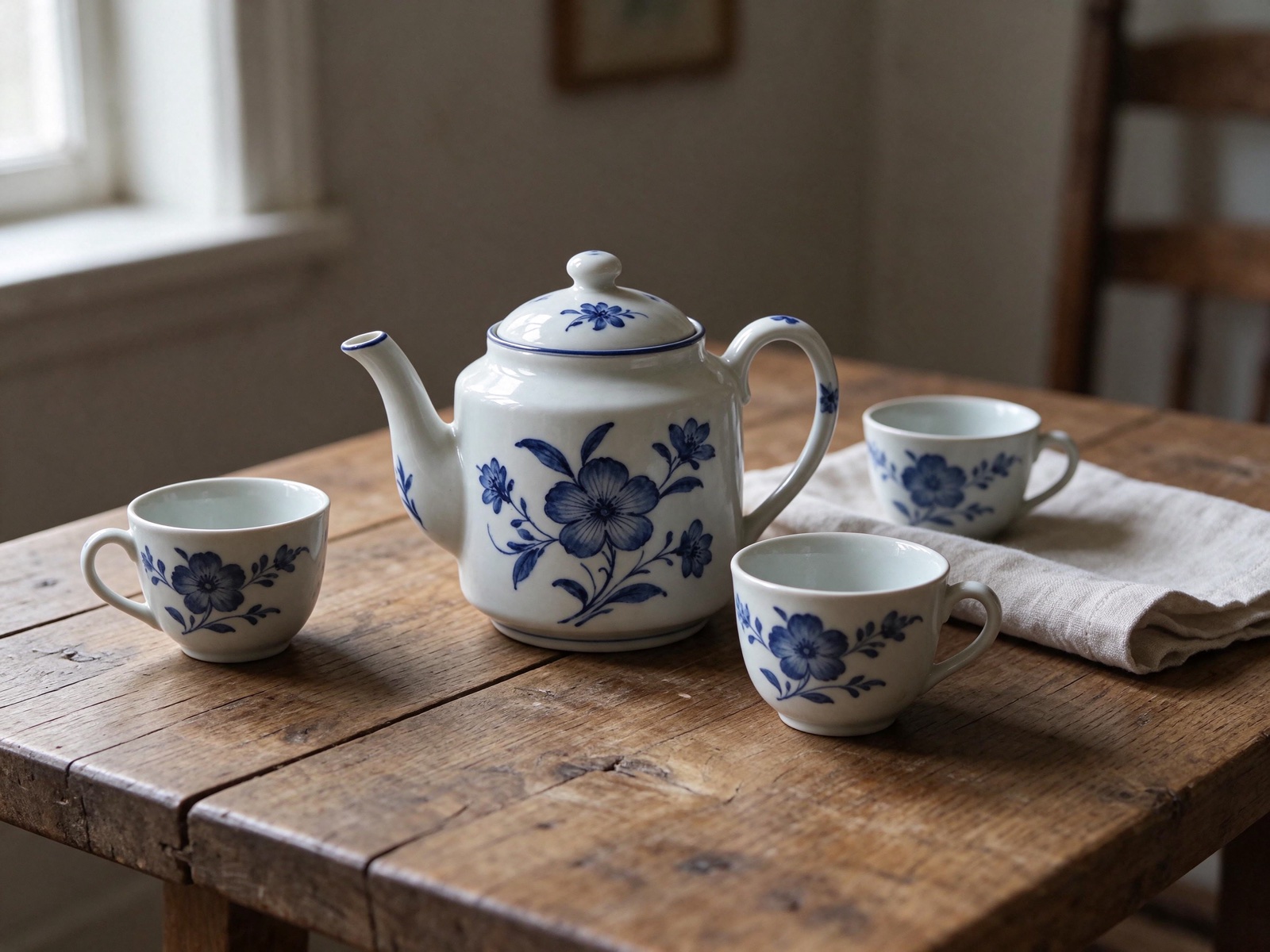 変更前変更後
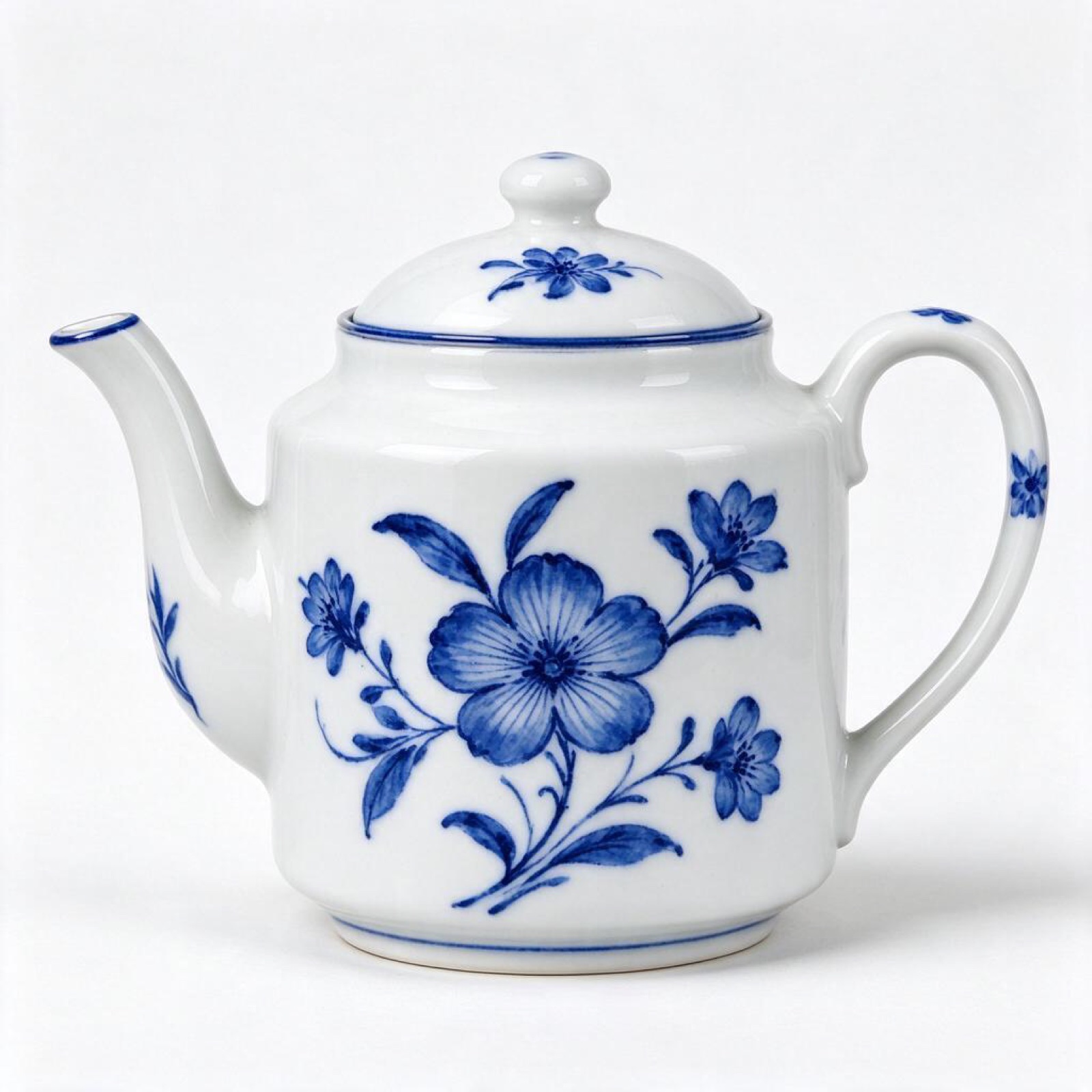
“Put this ceramic teapot on a weathered oak table beside a linen napkin and two small cups, soft side light from a window on the left. Keep the teapot's glaze, shape and pattern exactly as they are.”
画像から画像 · Seedream 5.5 · 2K
このプロンプトを使う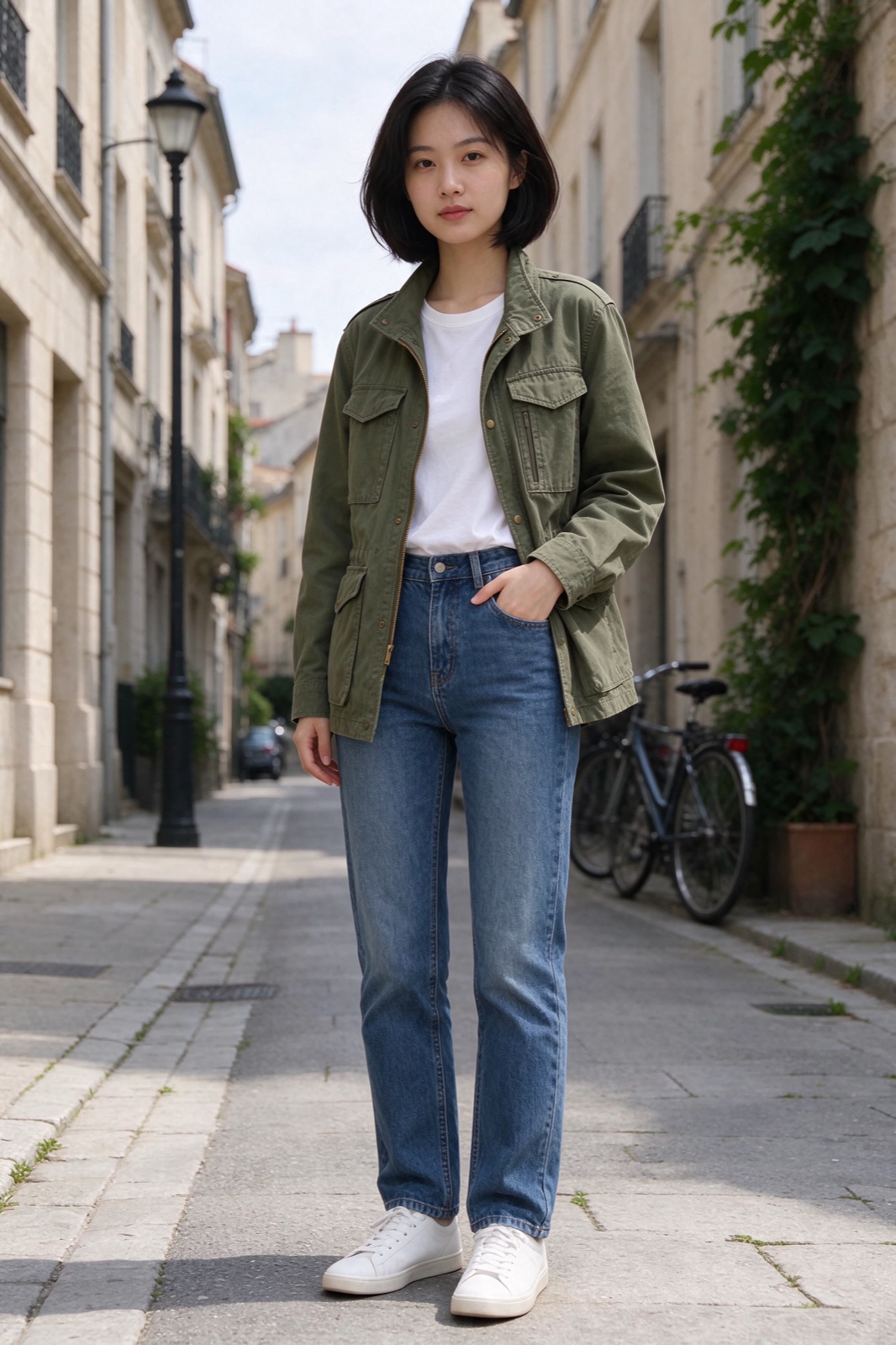 変更前変更後
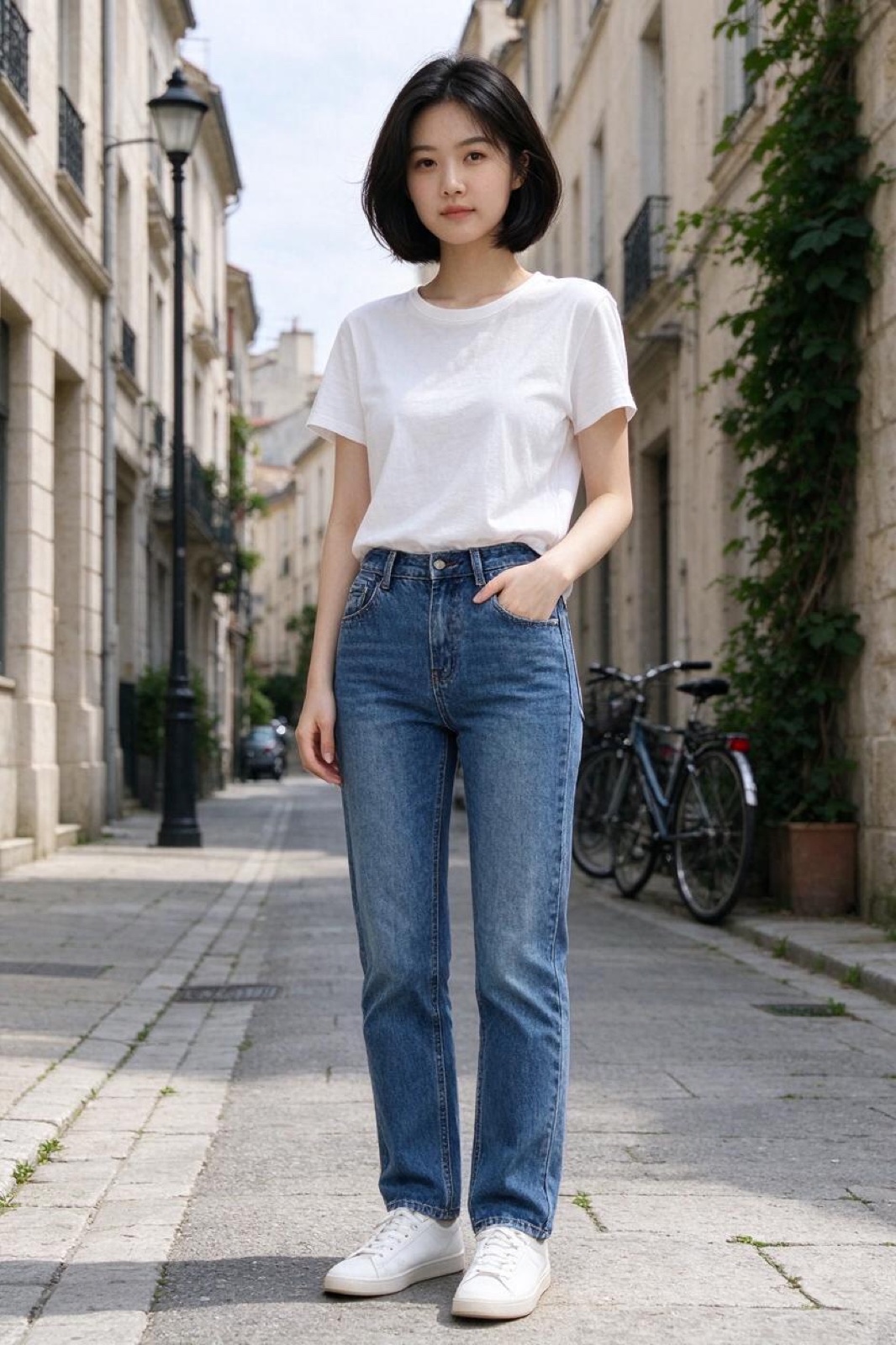
“Dress the woman in Image 1 in the olive field jacket from Image 2. Keep her face, hair, pose and the street behind her unchanged.”
画像から画像 · Seedream 5.5 · 2K
このプロンプトを使う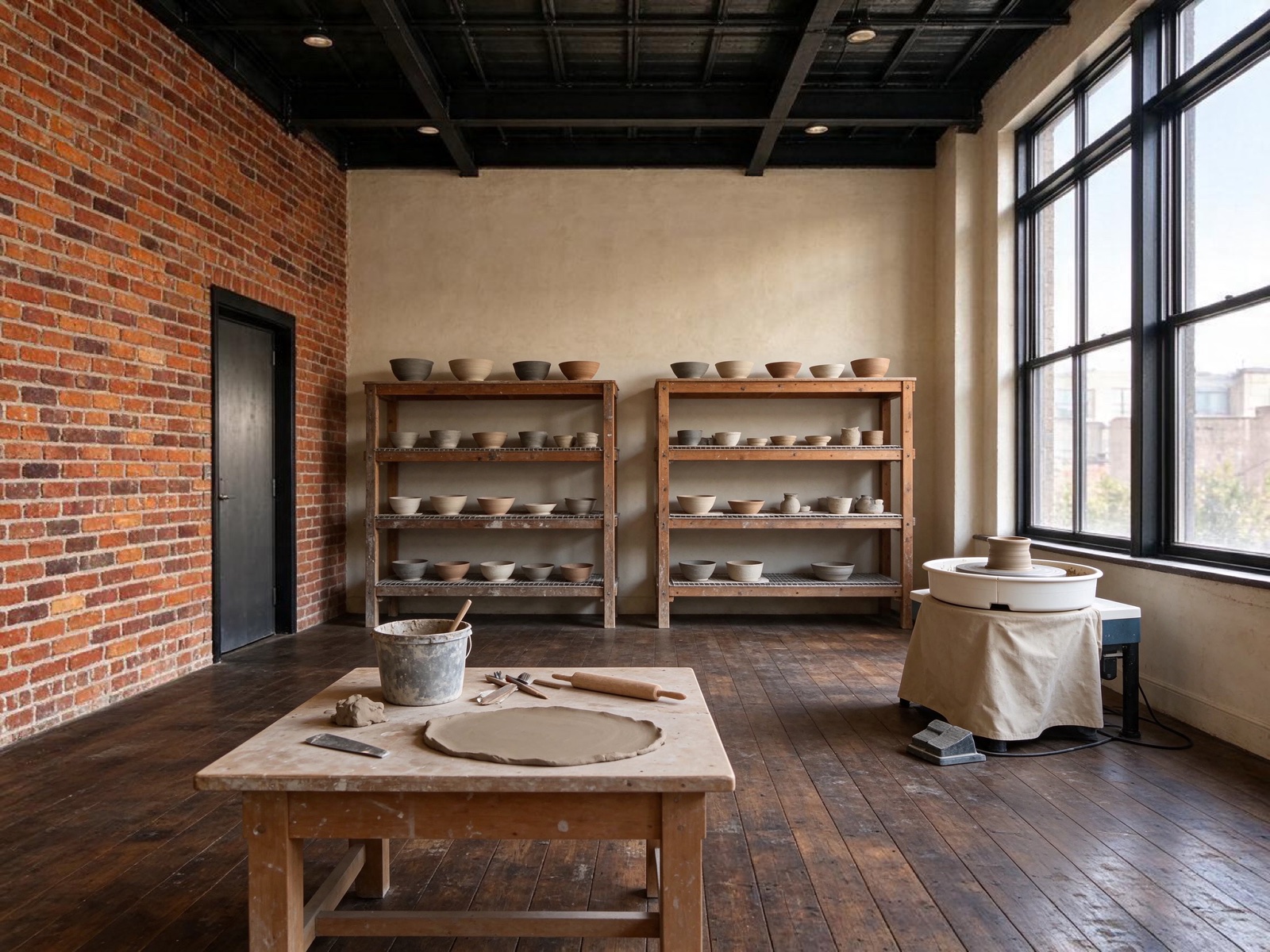 変更前変更後
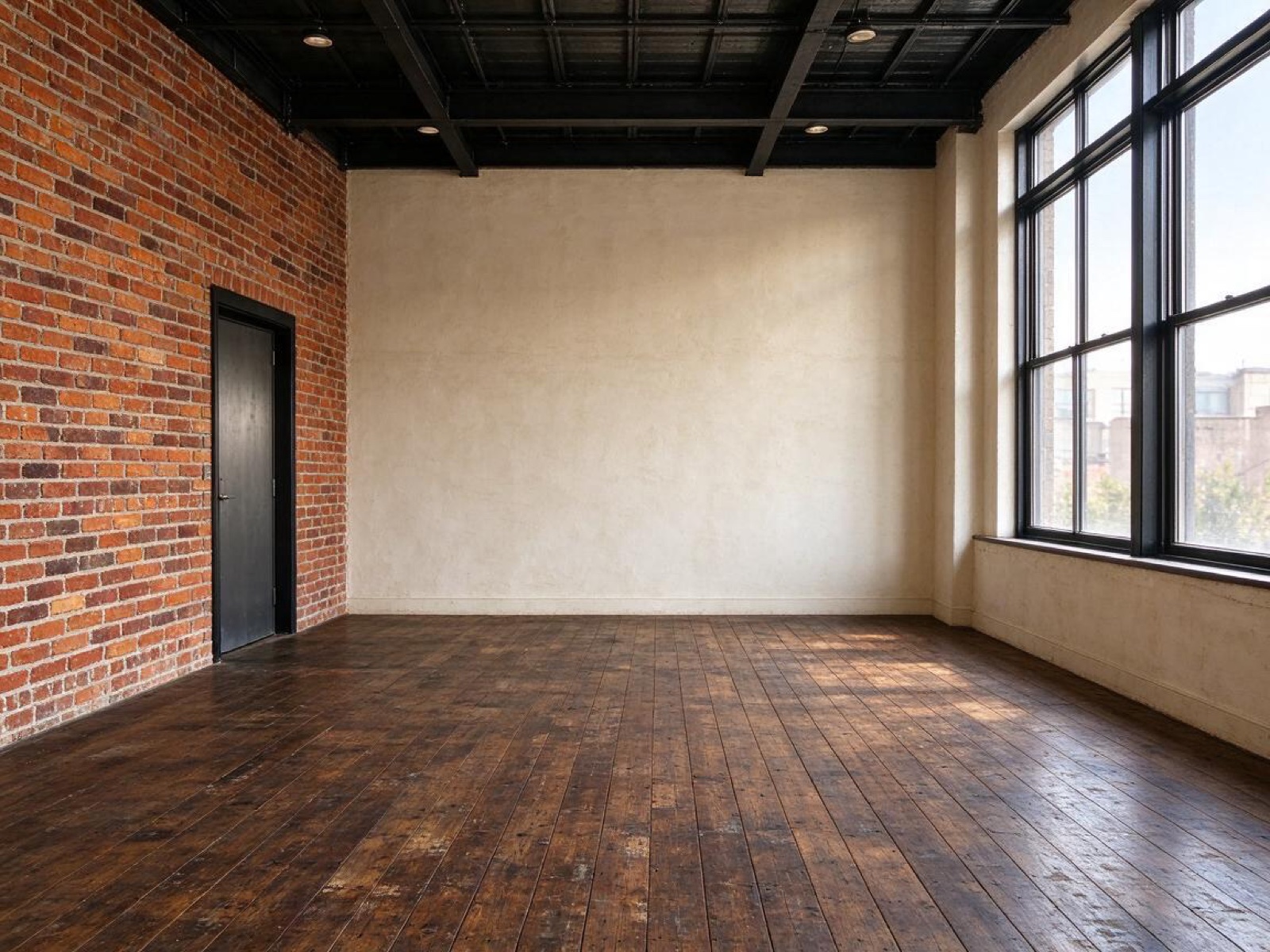
“Turn this empty loft into a calm ceramics studio: pottery wheel by the window, shelves of drying bowls, a clay-dusted workbench. Keep the brick walls, windows and floor.”
画像から画像 · Seedream 5.5 · 2K
このプロンプトを使う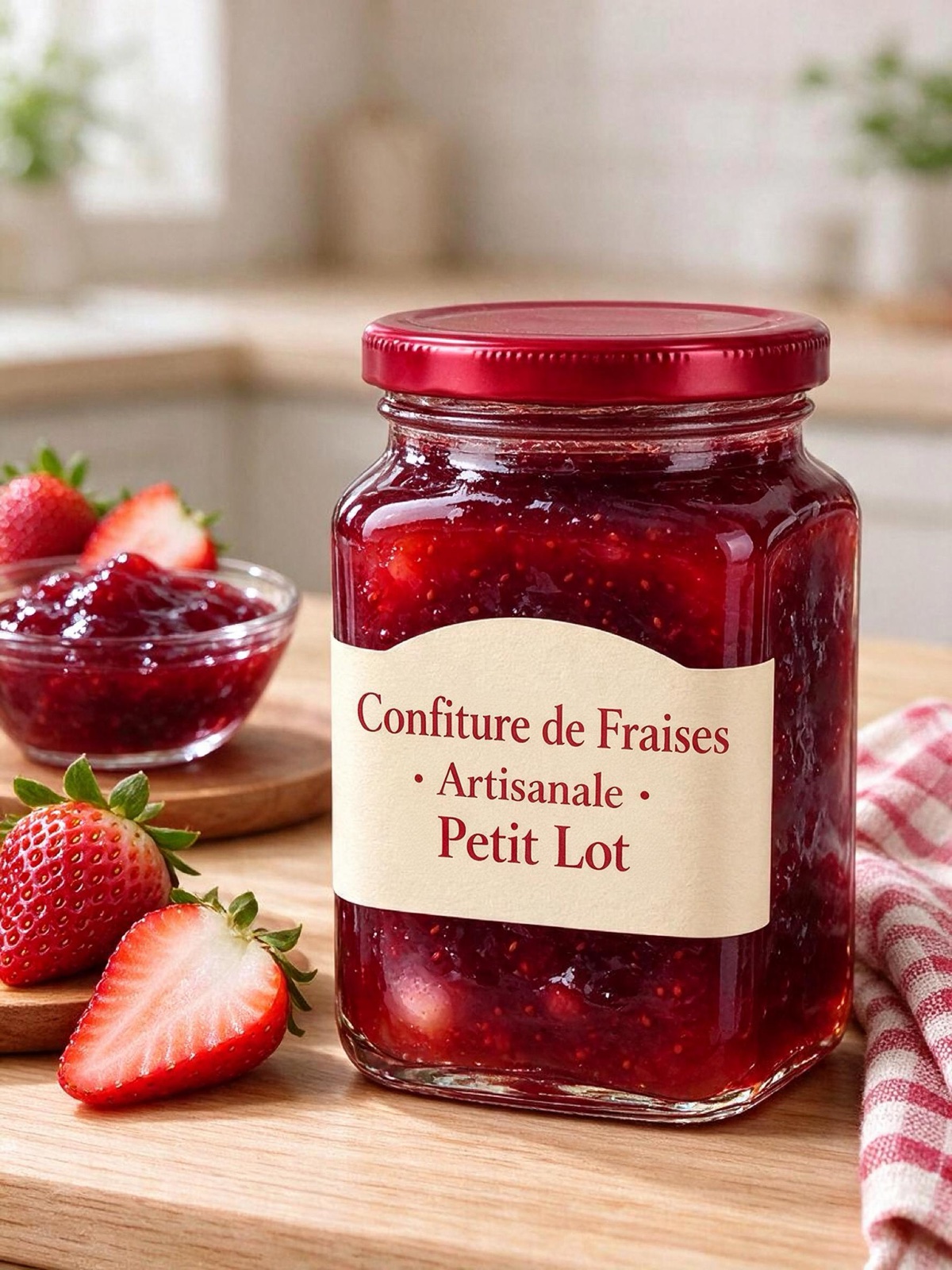 変更前変更後
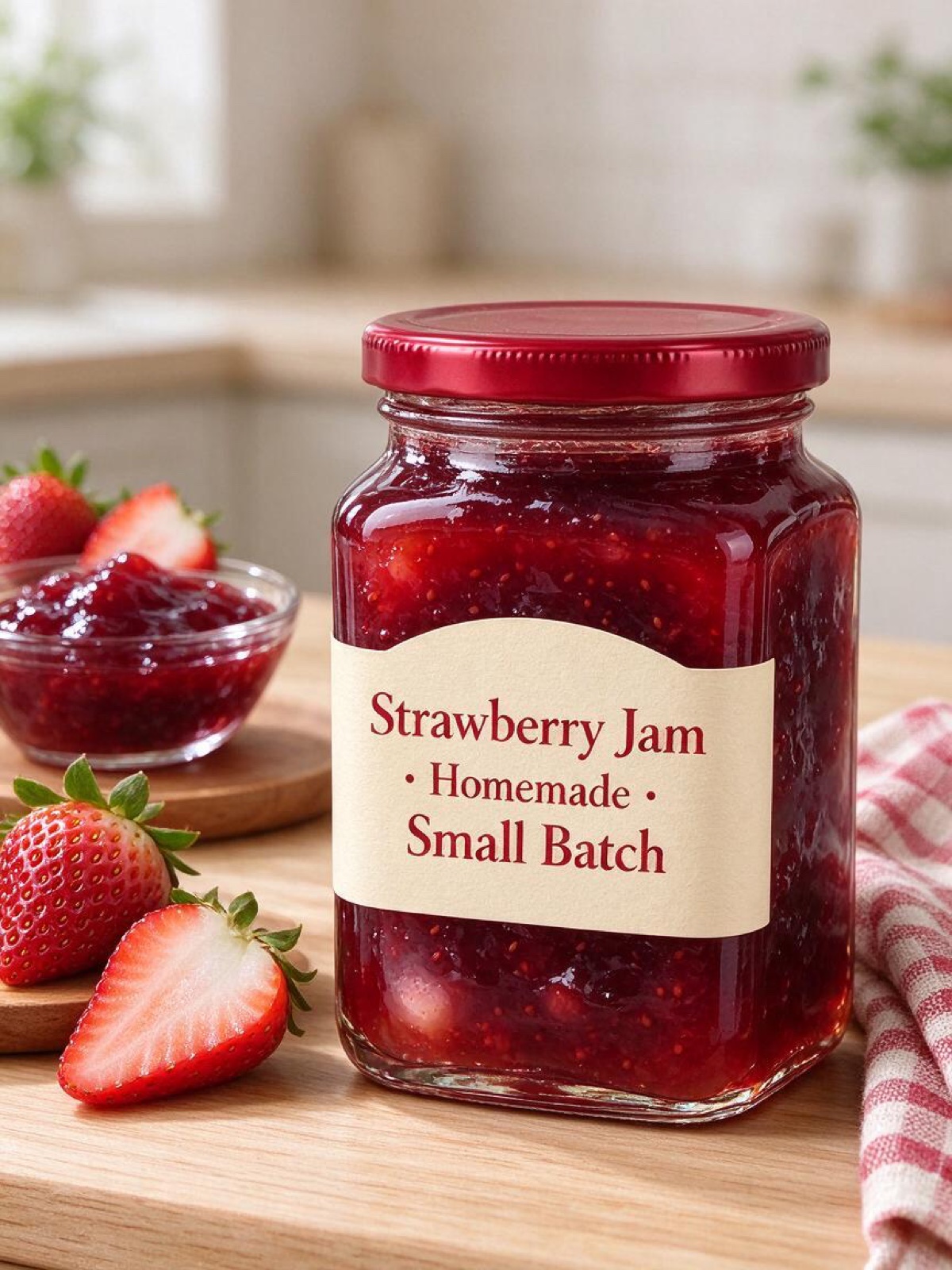
“Translate the text on this jam jar label into French, keeping the same fonts, layout and colors. Keep the jar, the lid and the background exactly the same.”
画像から画像 · Seedream 5.0 Pro · 2K
このプロンプトを使う
レタッチャーへのメモのように書く
プロンプトで編集するエディターでは、ツールの代わりに文章を使います。「机の上のケーブルを消して」「雨の夕方にして」「ソファを深緑のベルベットに」。モデルが画像のどの部分のことかを判断して変更し、ほかの部分となじませます。
とくに役立つ習慣が 2 つあります。変えるところと同じくらいはっきり、残すところを書くこと。そして 1 回のリクエストで変えるのは 1〜2 か所にして、結果をアップロードし直して次へ進むこと。標準モデルの Seedream 5.5 は、こうした繰り返しの中でもほかの部分を安定して保つよう作られています。
画像は JPG・PNG・WebP で 10 MB まで。スマホの HEIC 写真や非常に大きなファイルは、アップロード前にブラウザで JPEG に変換されます。アップロード画像は 30 日後に削除されます。
Seedream AI は独立したサービスで、ByteDance、BytePlus、Volcengine とは提携しておらず、承認も受けていません。Seedream は所有者の商標です。
使い方
3 ステップ。ほとんどの画像は 1 分以内にできあがります。
- 01
画像を追加(なくても OK)
JPG・PNG・WebP、各 10 MB まで。スマホの HEIC 写真はブラウザで変換されます。テキストから始めるなら、このステップは飛ばしてください。
- 02
変更点を書く
変えるところと残すところを書きます。例:「マグカップをアイスティーのグラスに替えて、手とテーブルはそのまま」。複数の画像を使うときは Image 1、Image 2 と呼び分けます。
- 03
モデルを選んで生成
Seedream 5.5、5.0 Pro、5.0 Flash からモデルを選び、サイズと形を指定します。ボタンに必要なクレジットが表示され、完成したら画像をダウンロードできます。
AI 画像編集のよくある質問
ページ上部で写真を追加し、変更点と残すところを書いて、生成ボタンを押します。できあがったらダウンロードするか、次の変更のためにもう一度アップロードしてください。
背景や場所、時間帯や天気、服や色、物の追加・削除、スタイルの変更(イラスト、クレイ、フィルム写真)、看板・パッケージ・ポスターの文字の書き換え。画像を組み合わせることもでき、たとえば商品を新しいシーンに配置できます。
頼めば、たいていは保てます。例:「顔、髪、表情は変えないで」。ポーズやカメラアングルを大きく変えると本人らしさを保つのが難しくなるので、少しずつ変えましょう。
無料で始められます。新規アカウントには 18 クレジット(Seedream 5.5 画像 3 枚分)が付き、毎日チェックインすると Seedream 5.0 Flash の 1K 画像を 1 枚無料で作れます。それ以降の編集には、買い切りパックのクレジットを使います。
モデルとサイズによります。最も安いのは 5.0 Flash で、1K の Seedream 5.5 での編集は 6 クレジット、最小パックなら約 $0.20 です。正確な料金はボタンに表示されます。
はい。アップロード画像と結果を見られるのはあなただけで、作例に使うことはありません。アップロード画像は 30 日後に削除され、結果は削除するまで残ります。