AI 背景変更
被写体はそのまま、背景を変える
人物や商品の写真をアップロードして、どこに置きたいかを書くだけ。Seedream が周囲を描き直し、光と影を新しい場所に合わせます。切り抜きは必要ありません。
- 人物・商品・ペット
- 説明できればどんな背景でも
- 光と影もなじむ
- 1K または 2K
- 最初は無料で試せる
このサイトで行った背景変更
ここにある画像はすべてこのサイトで作ったものです。プロンプトを上のボックスにコピーして、好きなように変えてみてください。
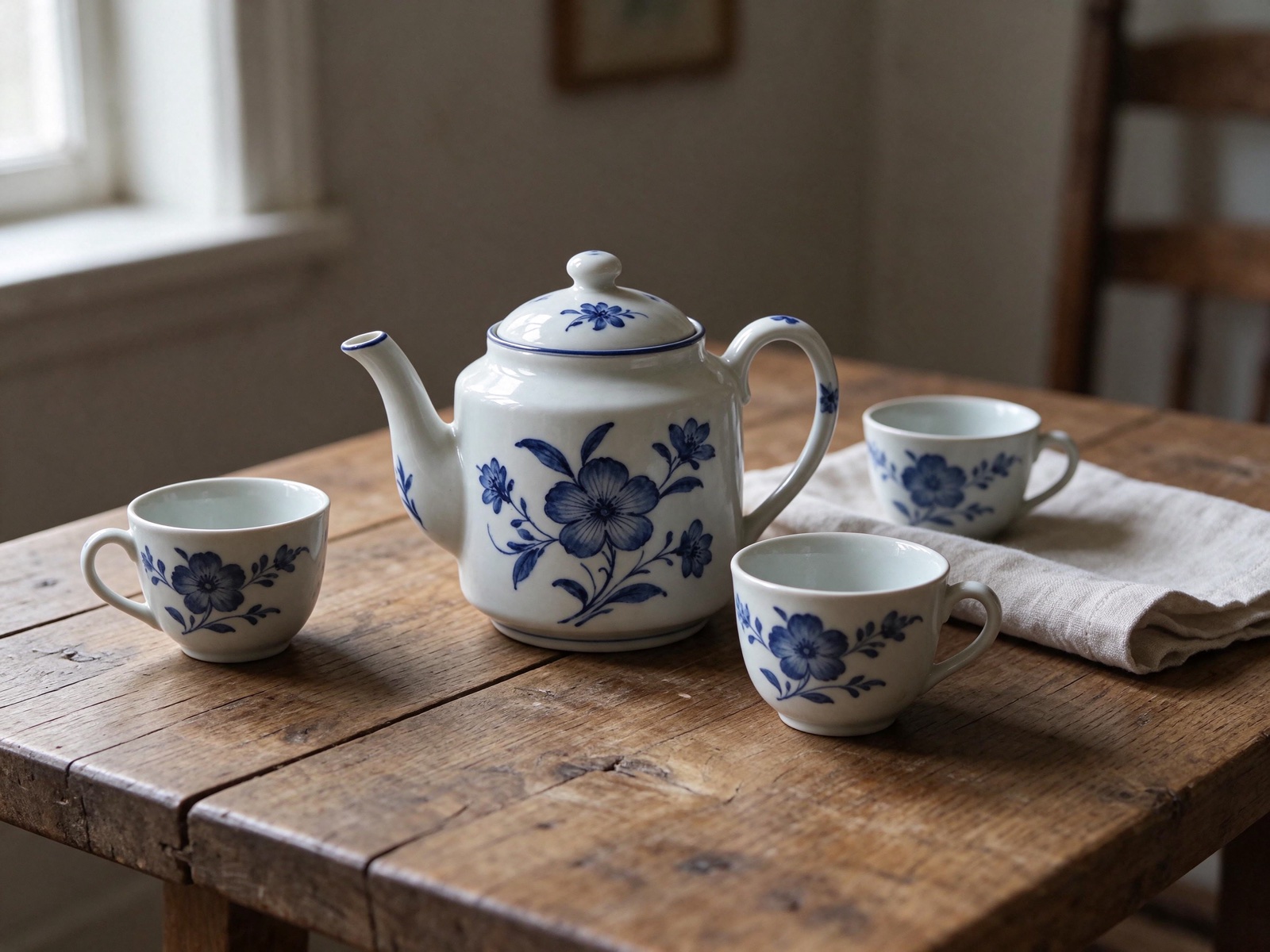 変更前変更後
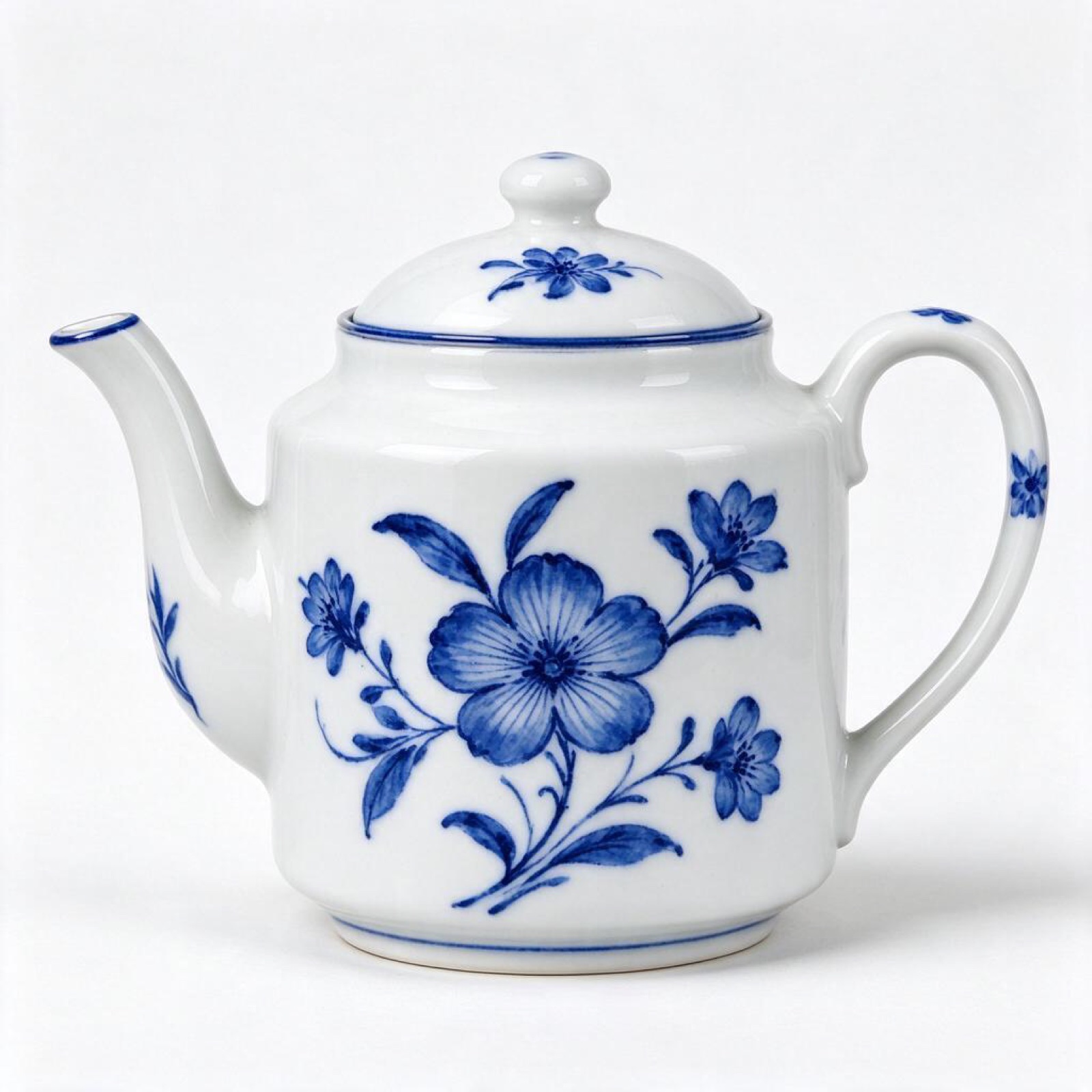
“Put this ceramic teapot on a weathered oak table beside a linen napkin and two small cups, soft side light from a window on the left. Keep the teapot's glaze, shape and pattern exactly as they are.”
画像から画像 · Seedream 5.5 · 2K
このプロンプトを使う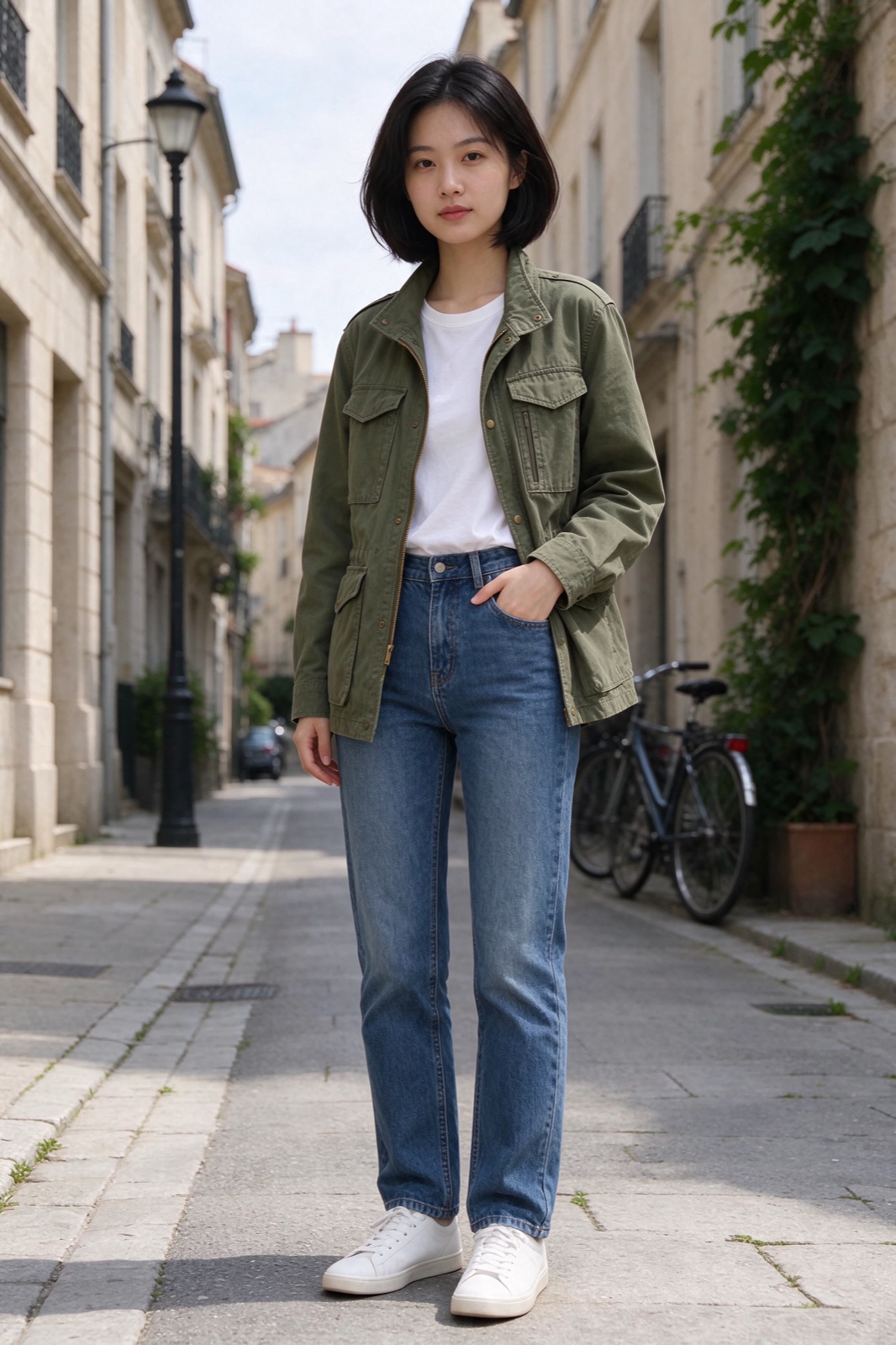 変更前変更後
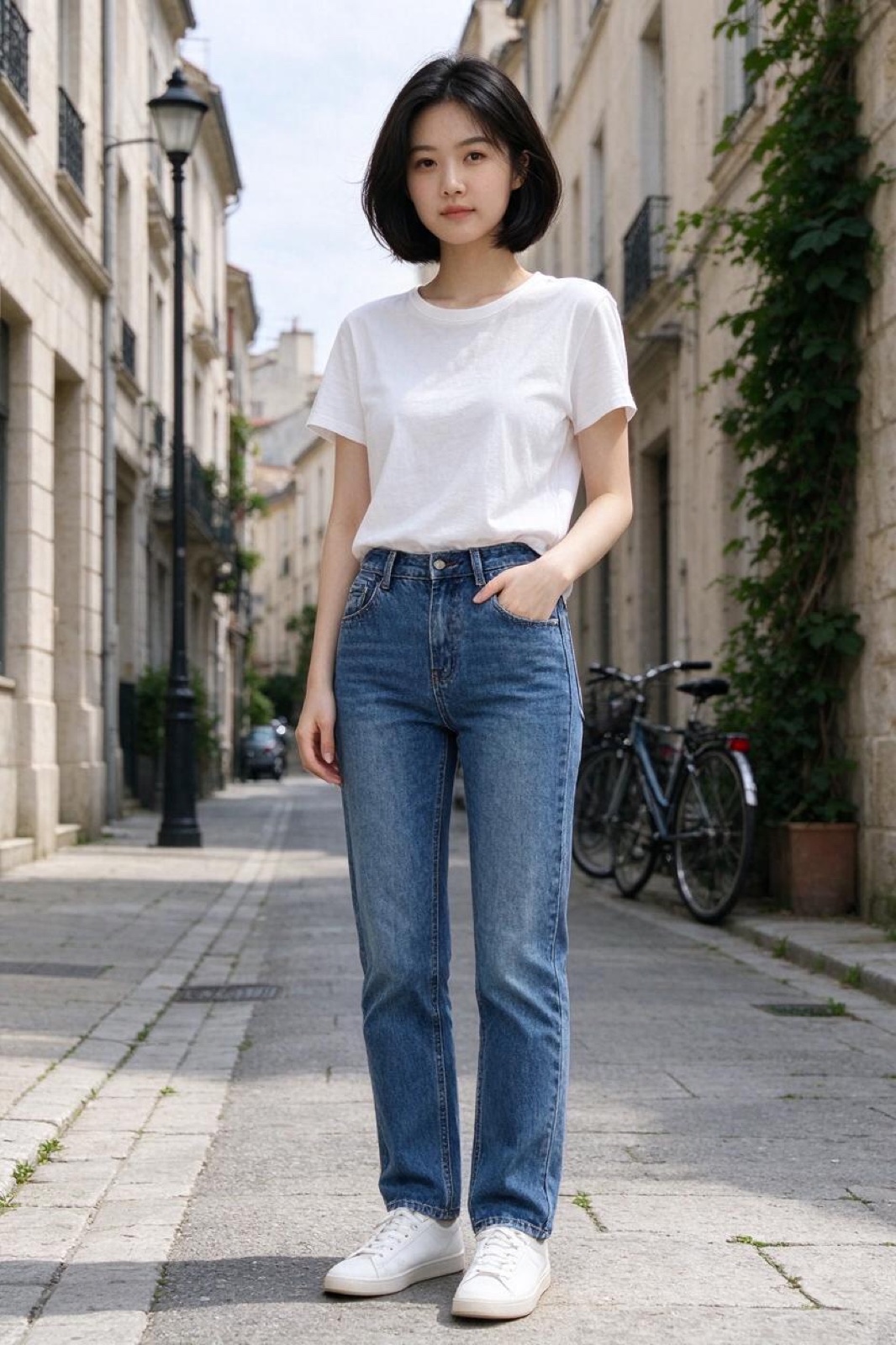
“Dress the woman in Image 1 in the olive field jacket from Image 2. Keep her face, hair, pose and the street behind her unchanged.”
画像から画像 · Seedream 5.5 · 2K
このプロンプトを使う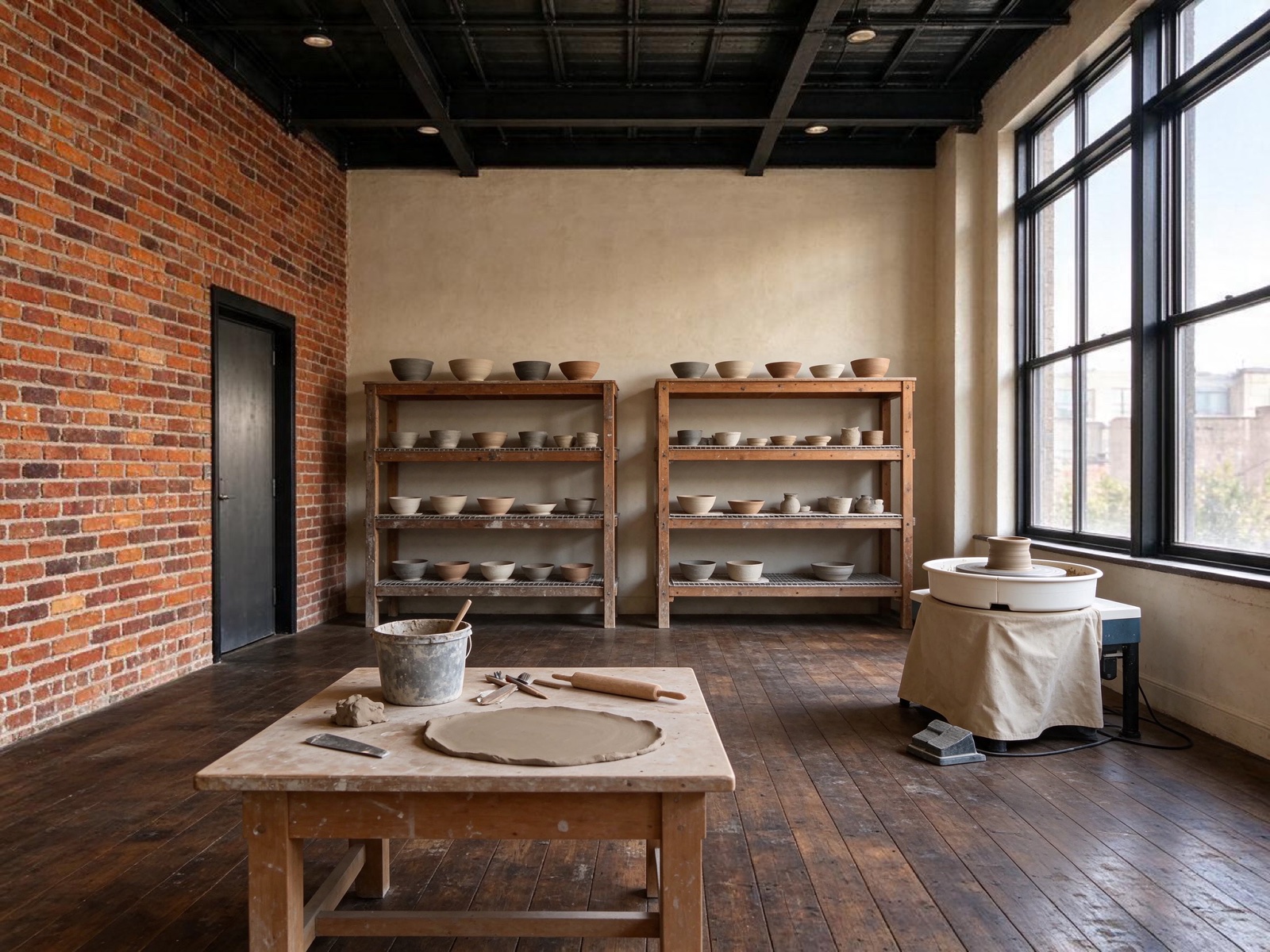 変更前変更後
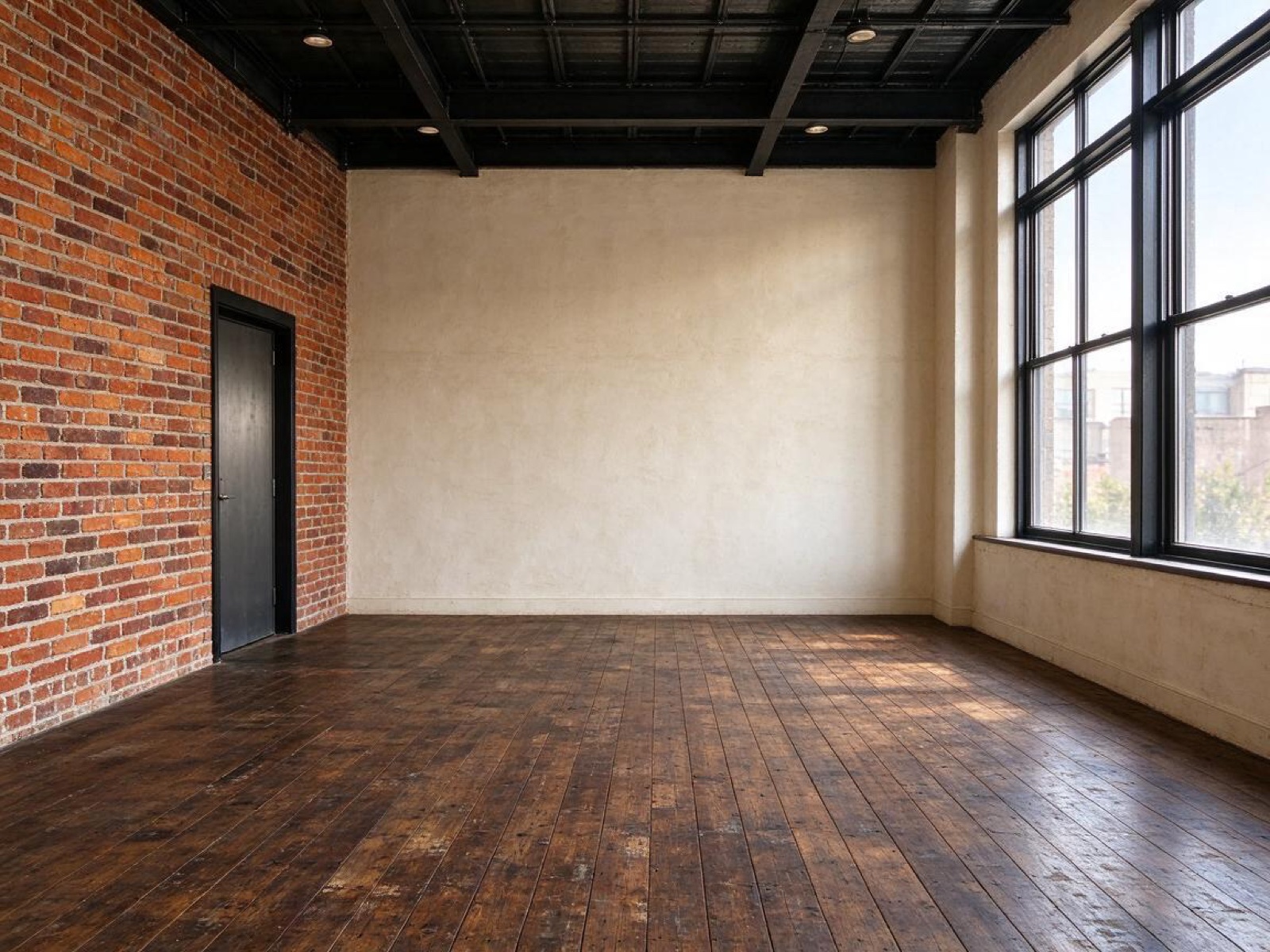
“Turn this empty loft into a calm ceramics studio: pottery wheel by the window, shelves of drying bowls, a clay-dusted workbench. Keep the brick walls, windows and floor.”
画像から画像 · Seedream 5.5 · 2K
このプロンプトを使う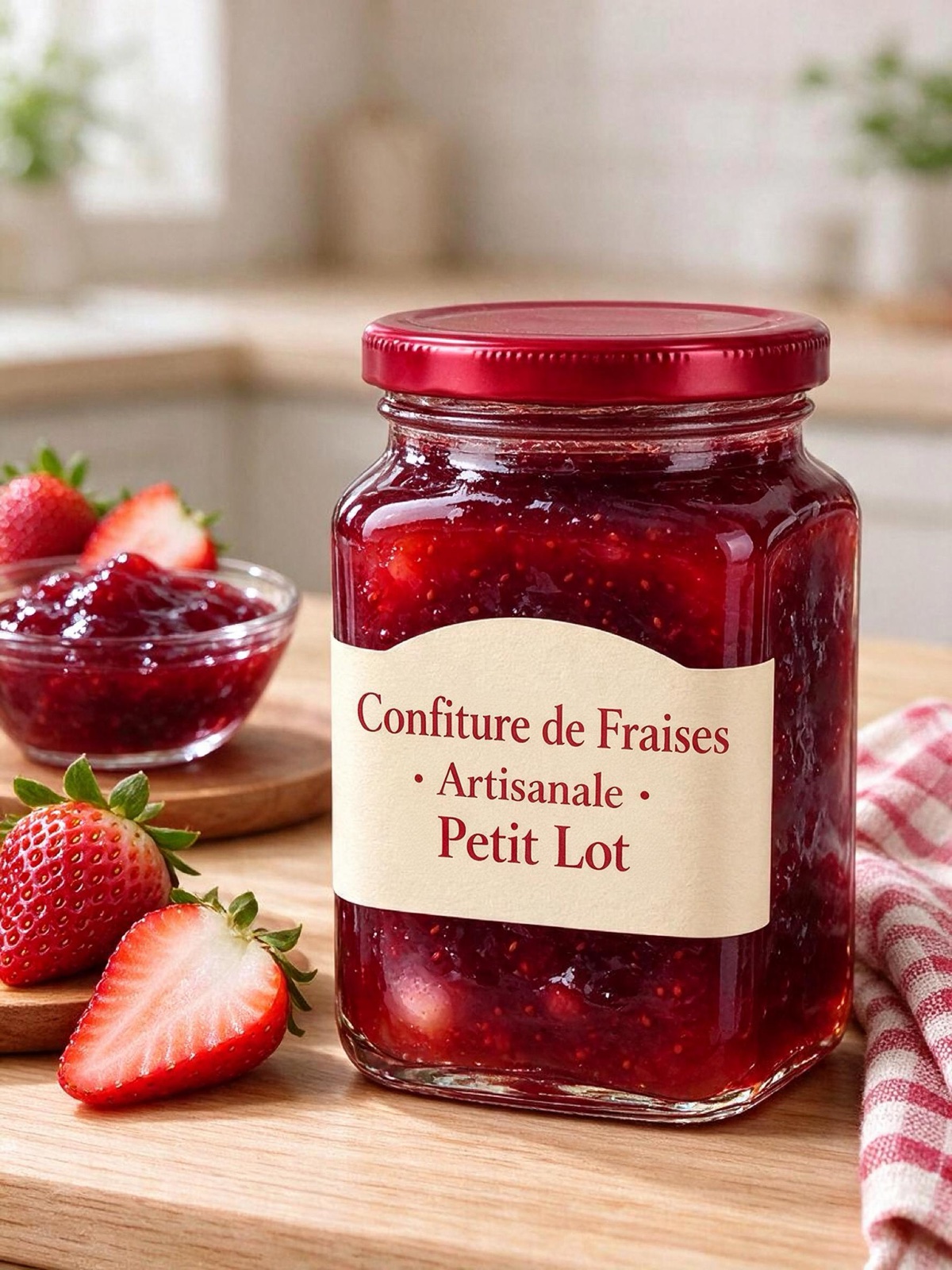 変更前変更後
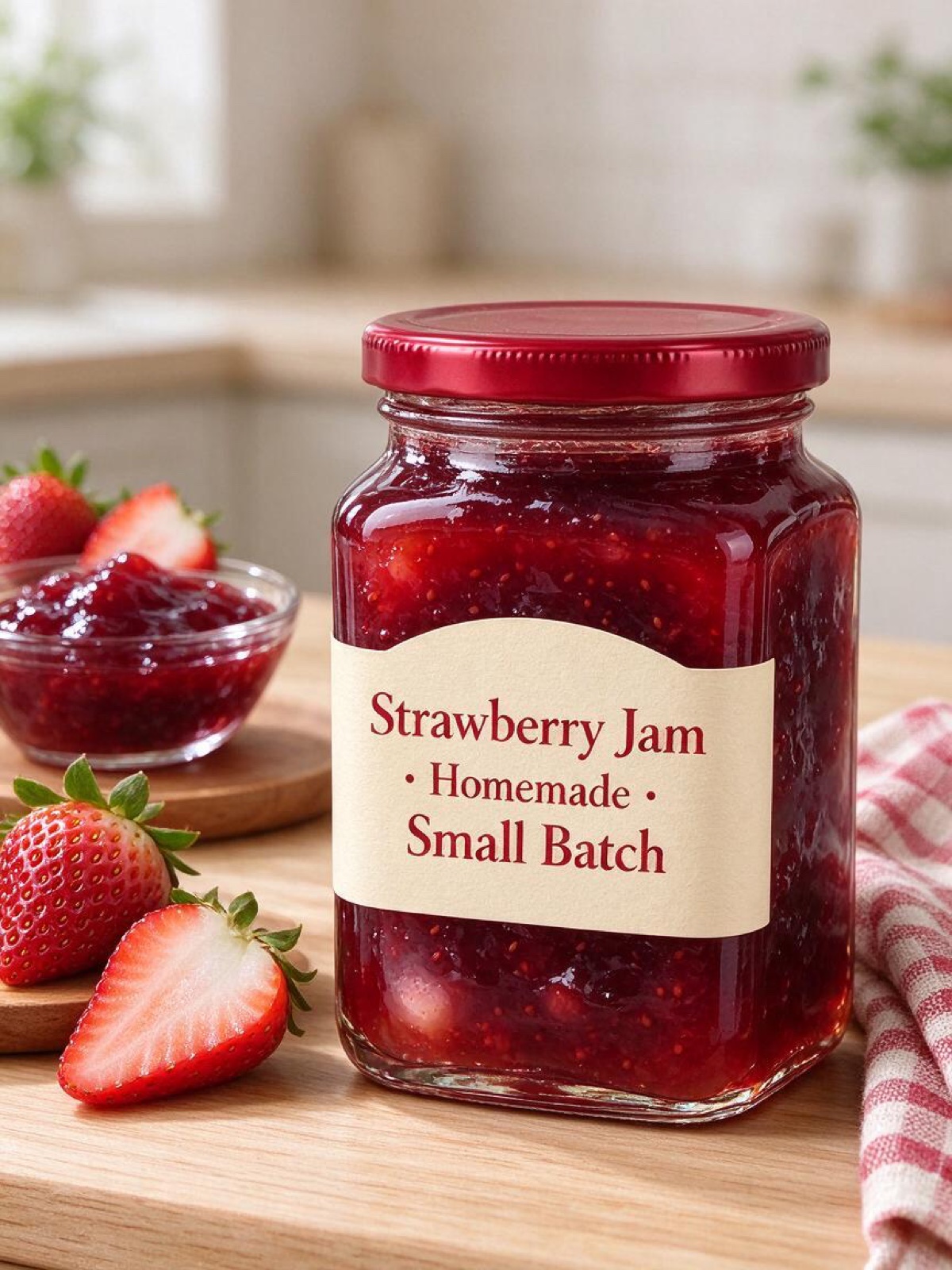
“Translate the text on this jam jar label into French, keeping the same fonts, layout and colors. Keep the jar, the lid and the background exactly the same.”
画像から画像 · Seedream 5.0 Pro · 2K
このプロンプトを使う
切り抜きより描き直しがいい理由
切り貼りで背景を差し替えると、髪のまわりのハロー、逆向きに落ちる影、元の部屋の映り込みといった跡が残ります。被写体のまわりのシーンを描き直せば、モデルが被写体の輪郭にも新しい光を描き込むので、そうした跡が出ません。
よいリクエストには、上のボックスにすでに入っているプロンプトのように、場所、光、変えてはいけないものを書きます。商品写真なら置く面(「トラバーチンのカウンターの上」)と時間帯を、ポートレートなら場所と雰囲気を加えましょう。
マーケットプレイスの出品には 4:3 か 1:1、ストーリーズには 9:16、元の形を保つなら Auto を。標準は Seedream 5.5 です。まず安くいくつかの背景を試したいときは 5.0 Flash に切り替えてください。
Seedream AI は独立したサービスで、ByteDance、BytePlus、Volcengine とは提携しておらず、承認も受けていません。Seedream は所有者の商標です。
使い方
3 ステップ。ほとんどの画像は 1 分以内にできあがります。
- 01
画像を追加(なくても OK)
JPG・PNG・WebP、各 10 MB まで。スマホの HEIC 写真はブラウザで変換されます。テキストから始めるなら、このステップは飛ばしてください。
- 02
変更点を書く
変えるところと残すところを書きます。例:「マグカップをアイスティーのグラスに替えて、手とテーブルはそのまま」。複数の画像を使うときは Image 1、Image 2 と呼び分けます。
- 03
モデルを選んで生成
Seedream 5.5、5.0 Pro、5.0 Flash からモデルを選び、サイズと形を指定します。ボタンに必要なクレジットが表示され、完成したら画像をダウンロードできます。
背景変更のよくある質問
写真をアップロードし、新しい背景を説明して被写体は変えないよう書き、生成ボタンを押します。場所、光、雰囲気を書きましょう。例:「午後遅くの日差しが差す、静かなカフェのテラス」。
はい。商品、ラベル、ロゴをまったく同じに保つよう指定し、置く面と照明を書いてください。パッケージの文字をくっきり残したいなら、Seedream 5.0 Pro を試してみてください。
ほとんどの場合は保たれます。「顔、髪、ポーズ、服はまったく同じに」と書き加えましょう。似なくなってきたら一度に変える量を減らすか、触れていない部分を保つよう設計された Seedream 5.5 を使ってください。
このサイトではまだできません。代わりに白や単色の背景を指定してください。背景削除ツールを使えば、ワンクリックで被写体を切り抜けます。
ほかの画像と同じです。クレジットはモデルとサイズによって決まり、生成前にボタンに表示されます。画像の生成に失敗した場合、クレジットは戻ります。
画像の生成のためだけに使われ、30 日後に削除されます。結果は削除するまで非公開のライブラリに残ります。