AI 换背景
换掉背景,保留主体
上传一张人物或商品照片,描述它应该在哪里。Seedream 会重绘周围环境,让光影与新场景相匹配,不需要抠图。
- 人物、商品、宠物都行
- 能描述出来的背景都能换
- 光影自然匹配
- 1K 或 2K
- 免费图片先试用
本站的换背景示例
这里的每张图都是在本站生成的。把提示词复制到上方输入框,改成你想要的样子。
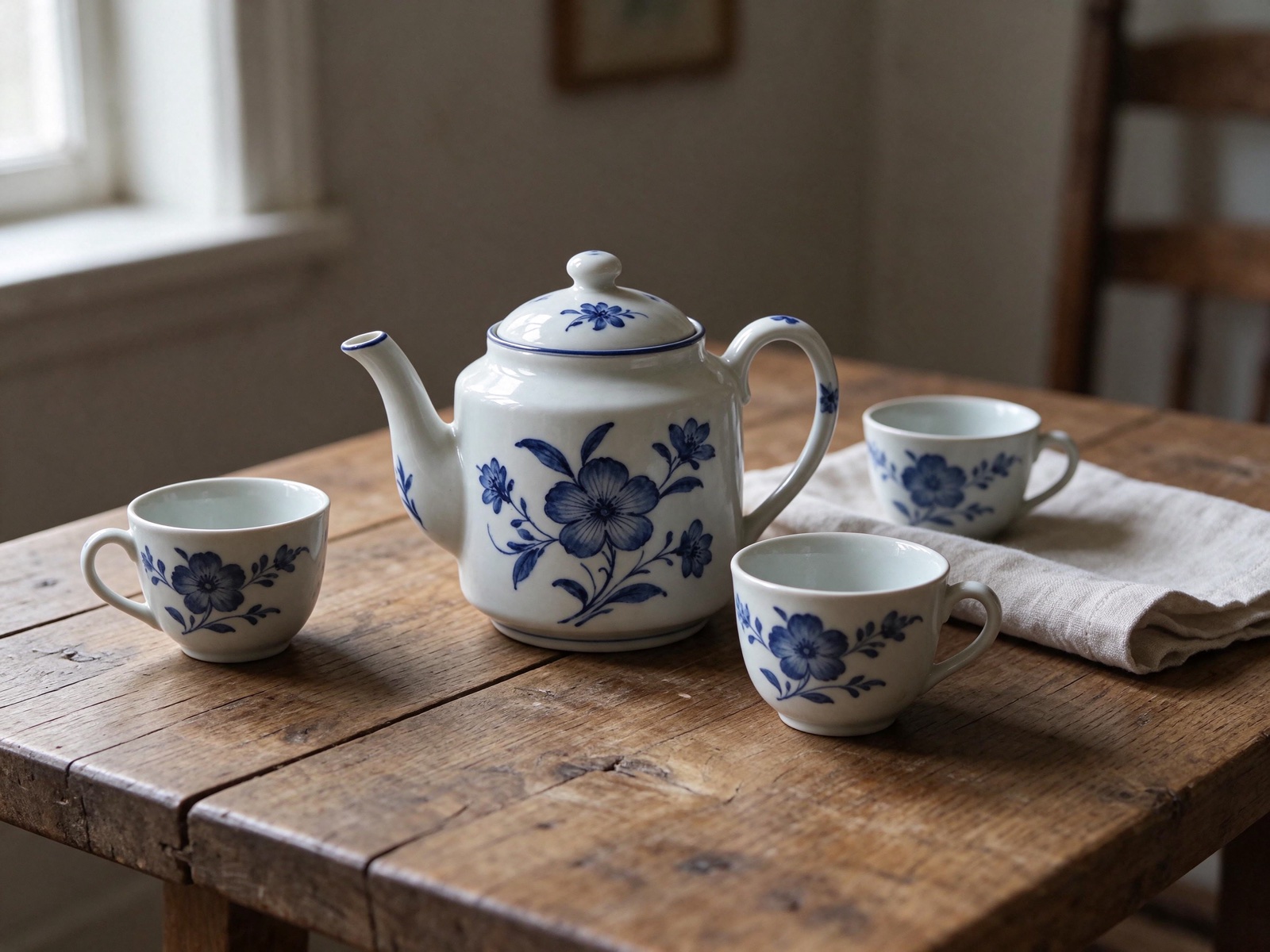 修改前修改后
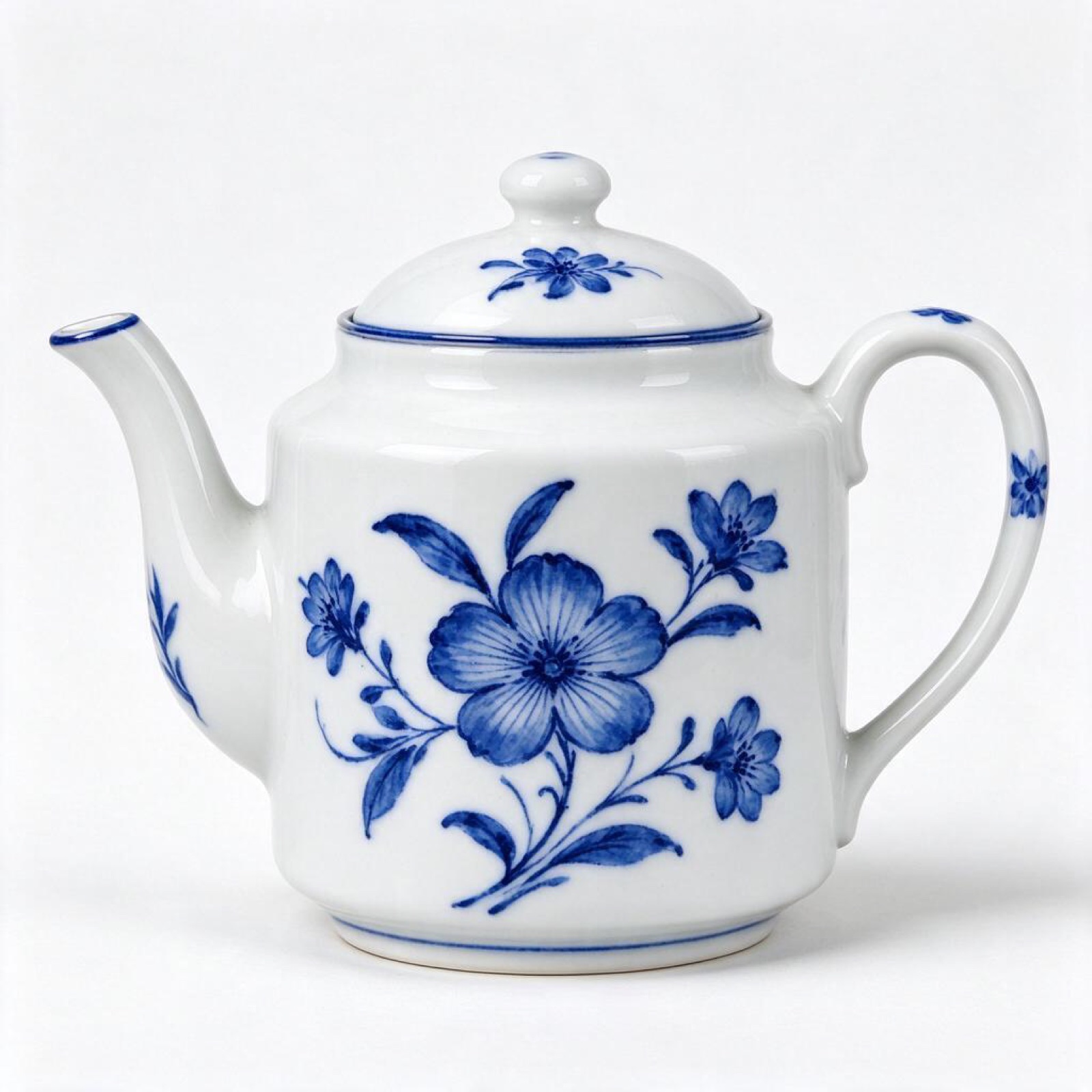
“Put this ceramic teapot on a weathered oak table beside a linen napkin and two small cups, soft side light from a window on the left. Keep the teapot's glaze, shape and pattern exactly as they are.”
图生图 · Seedream 5.5 · 2K
用这个提示词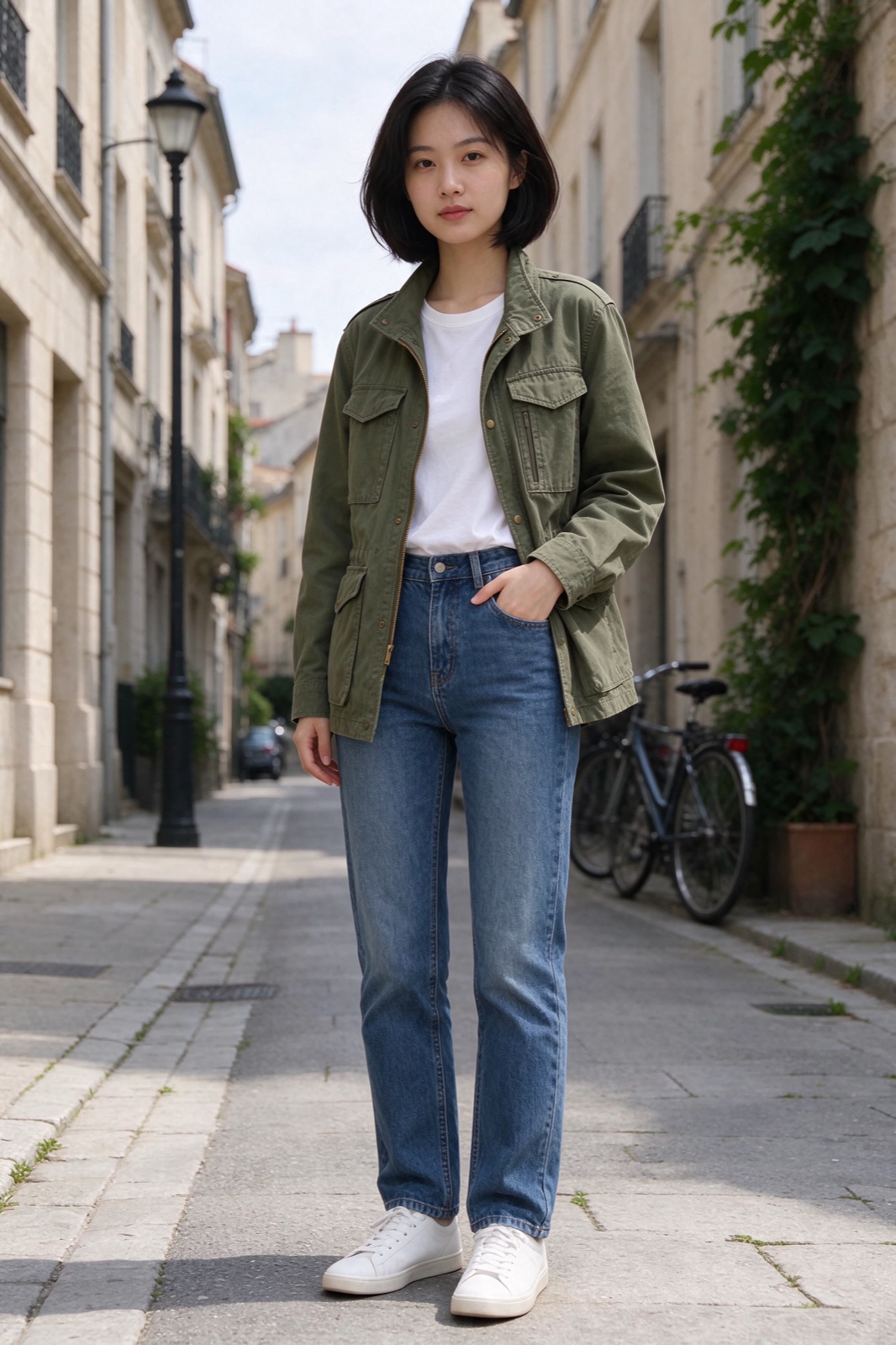 修改前修改后
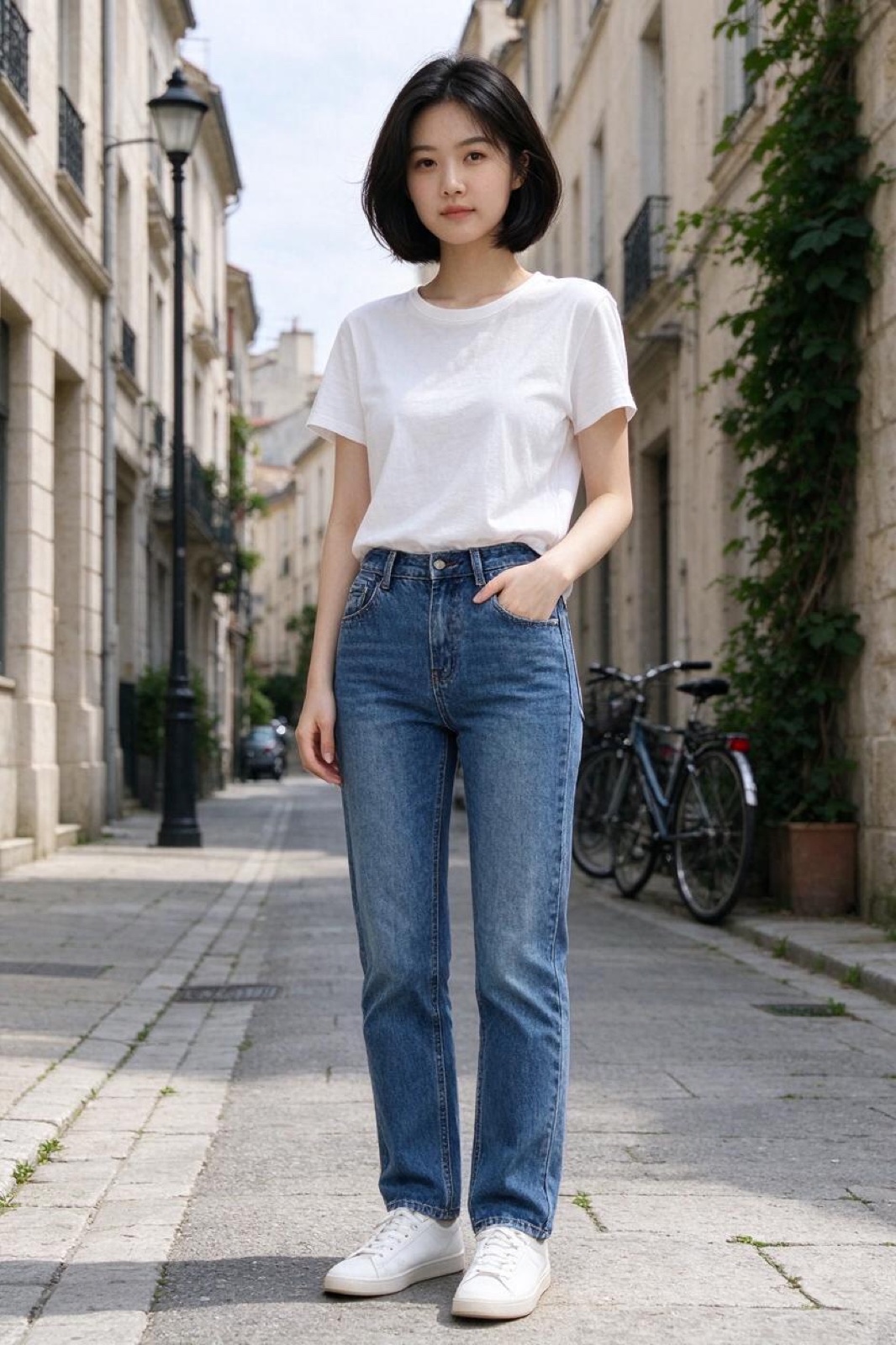
“Dress the woman in Image 1 in the olive field jacket from Image 2. Keep her face, hair, pose and the street behind her unchanged.”
图生图 · Seedream 5.5 · 2K
用这个提示词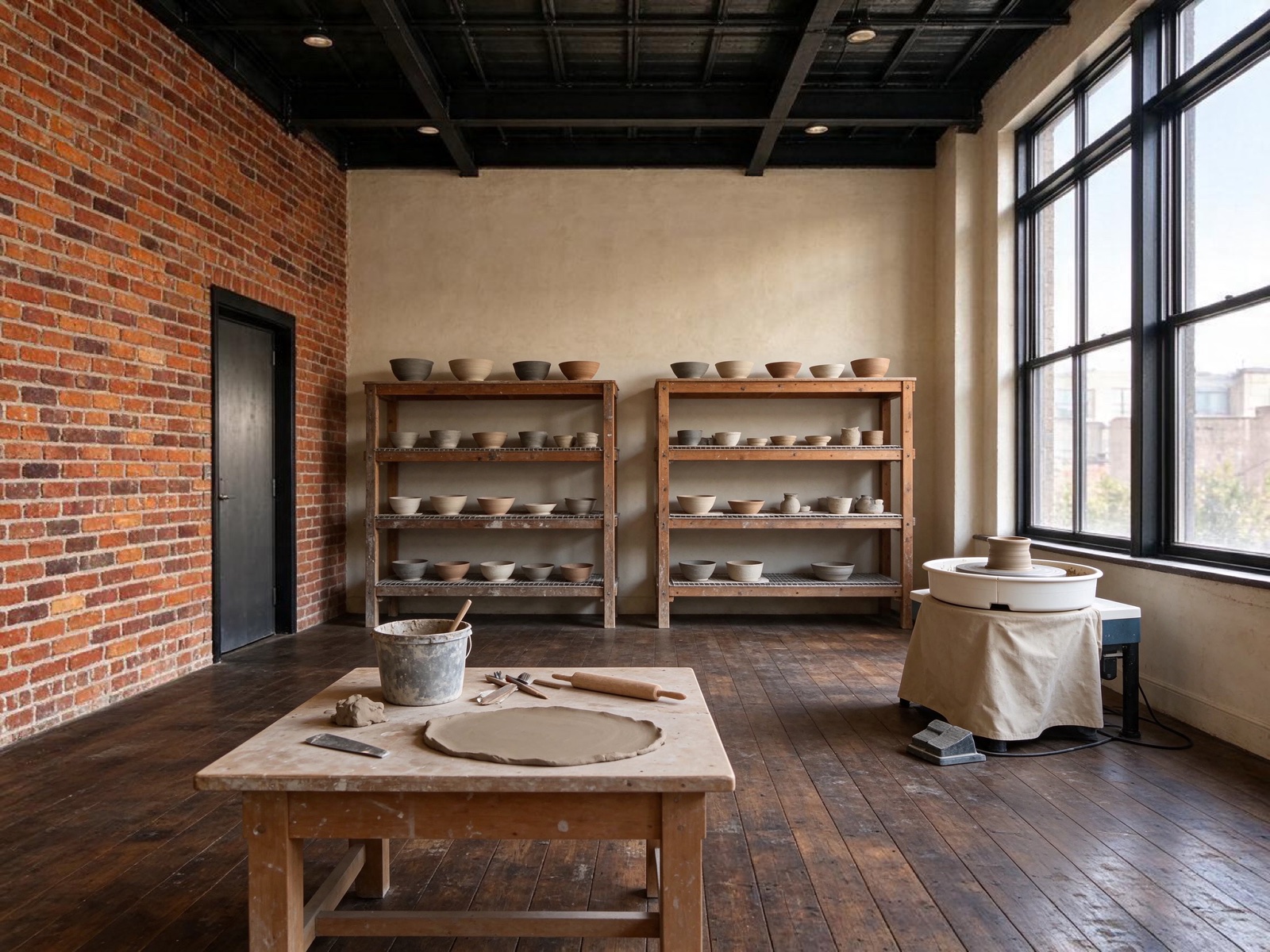 修改前修改后
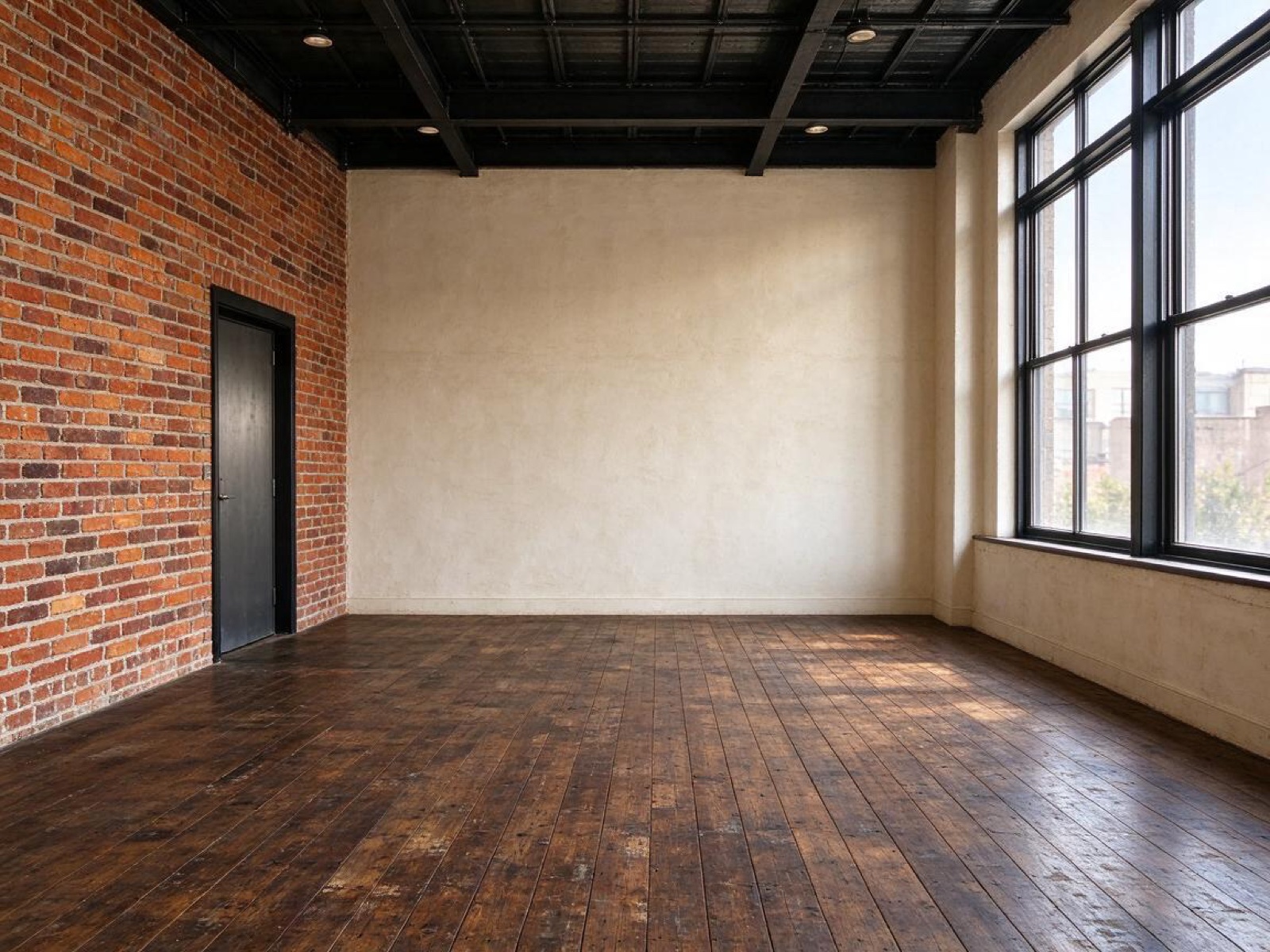
“Turn this empty loft into a calm ceramics studio: pottery wheel by the window, shelves of drying bowls, a clay-dusted workbench. Keep the brick walls, windows and floor.”
图生图 · Seedream 5.5 · 2K
用这个提示词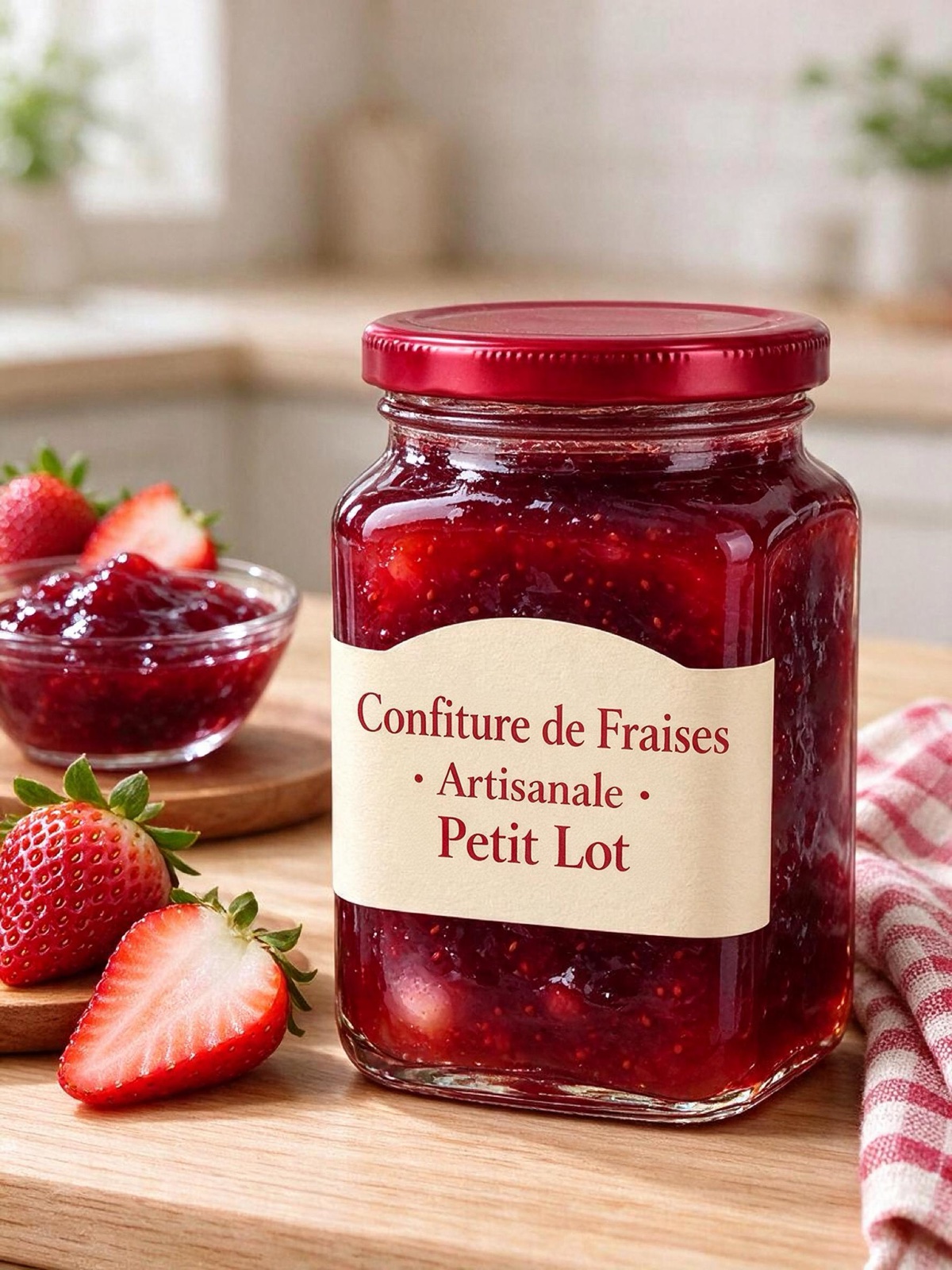 修改前修改后
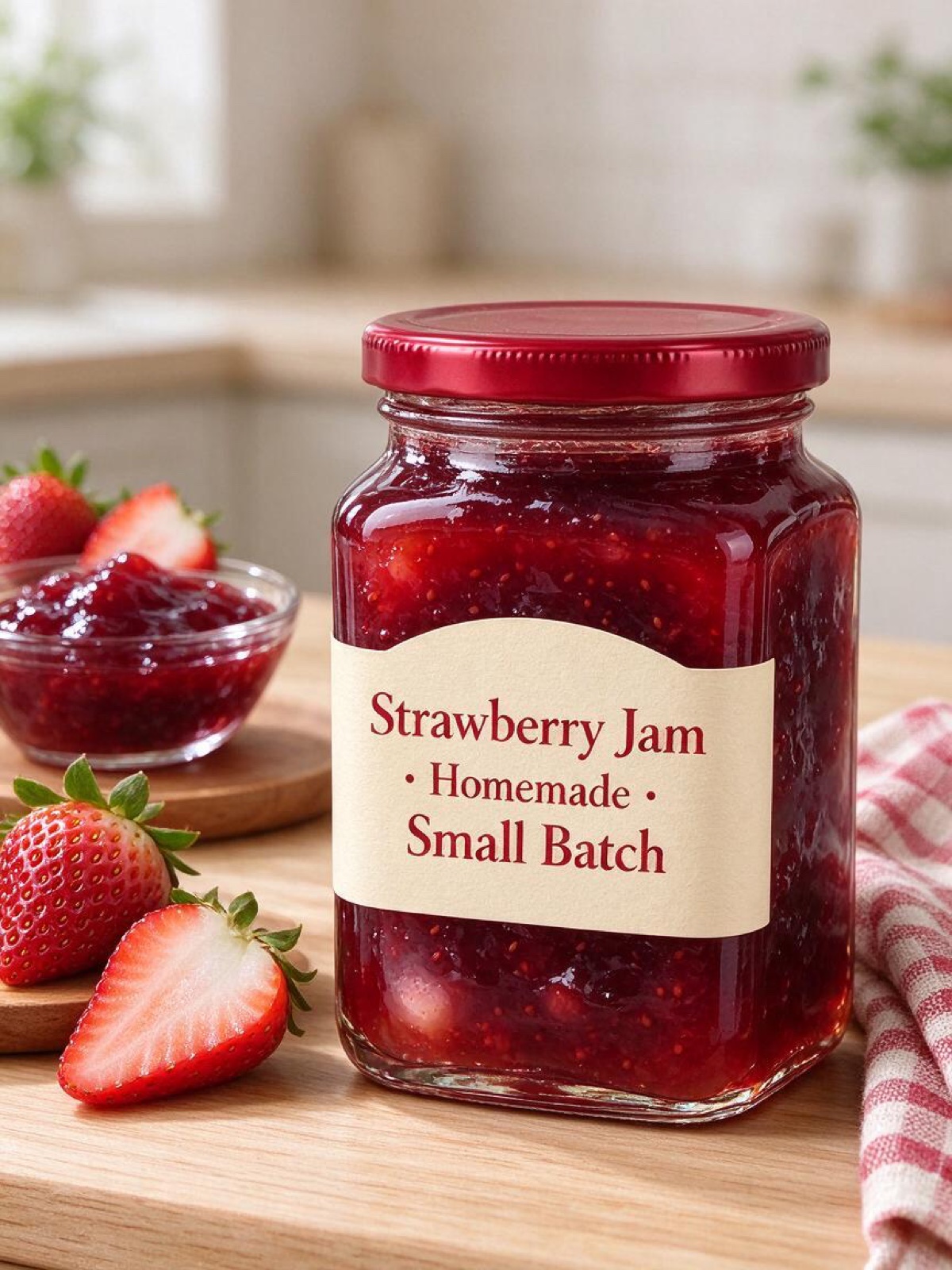
“Translate the text on this jam jar label into French, keeping the same fonts, layout and colors. Keep the jar, the lid and the background exactly the same.”
图生图 · Seedream 5.0 Pro · 2K
用这个提示词
为什么重绘比抠图更好
抠图再粘贴的换背景方式总会露馅:头发边缘有一圈光晕,影子方向不对,还残留着原来房间的反光。围绕主体重绘场景就能避免这些问题,因为模型也会把新的光线画到主体边缘上。
好的请求要写明地点、光线和不能改的内容,就像上方输入框里已有的那段提示词。拍商品时加上台面(「放在洞石台面上」)和时间段;拍人像时加上场景和氛围。
电商主图选 4:3 或 1:1,快拍选 9:16,选「自动」则保持原图比例。默认模型是 Seedream 5.5;想先低成本试几种背景,就切换到 5.0 Flash。
Seedream AI 是一项独立服务,与字节跳动、BytePlus 或火山引擎没有关联,也未获得其认可。Seedream 是其所有者的商标。
使用方法
三步完成,大多数图片不到一分钟。
- 01
添加图片,或者不加
支持 JPG、PNG 或 WebP,每张最大 10 MB;手机拍的 HEIC 照片会在浏览器里自动转换。跳过这一步,就从文字开始生成。
- 02
写下要改什么
说明哪里要改、哪里必须保留,比如「把马克杯换成一杯冰茶,手和桌子保持不变」。上传了多张图时,用 Image 1、Image 2 指代。
- 03
选模型,点生成
选择 Seedream 5.5、5.0 Pro 或 5.0 Flash,以及尺寸和比例。按钮上会显示所需积分,生成完成后下载图片即可。
换背景常见问题
上传照片,描述新背景,并说明主体保持不变,然后点击「生成」。写清地点、光线和氛围,比如「午后阳光下一个安静的咖啡馆露台」。
能。要求商品、标签和 logo 完全不变,并描述台面和灯光。包装上的文字需要保持清晰时,试试 Seedream 5.0 Pro。
大多数情况下会。加上一句「脸、发型、姿势和衣服完全不变」。如果相似度跑偏,就一次少改一点,或者改用 Seedream 5.5,它专门设计成不动没改的区域。
本站暂时不支持。可以改为要求纯白或纯色背景,之后用任意去背景工具一键抠出主体。
和生成其他图片一样:积分取决于模型和尺寸,生成前会显示在按钮上。生成失败的话,积分会退回。
只用于生成你的图片,30 天后删除。生成结果保存在你的私人图库里,直到你删除。